














Setup Guide

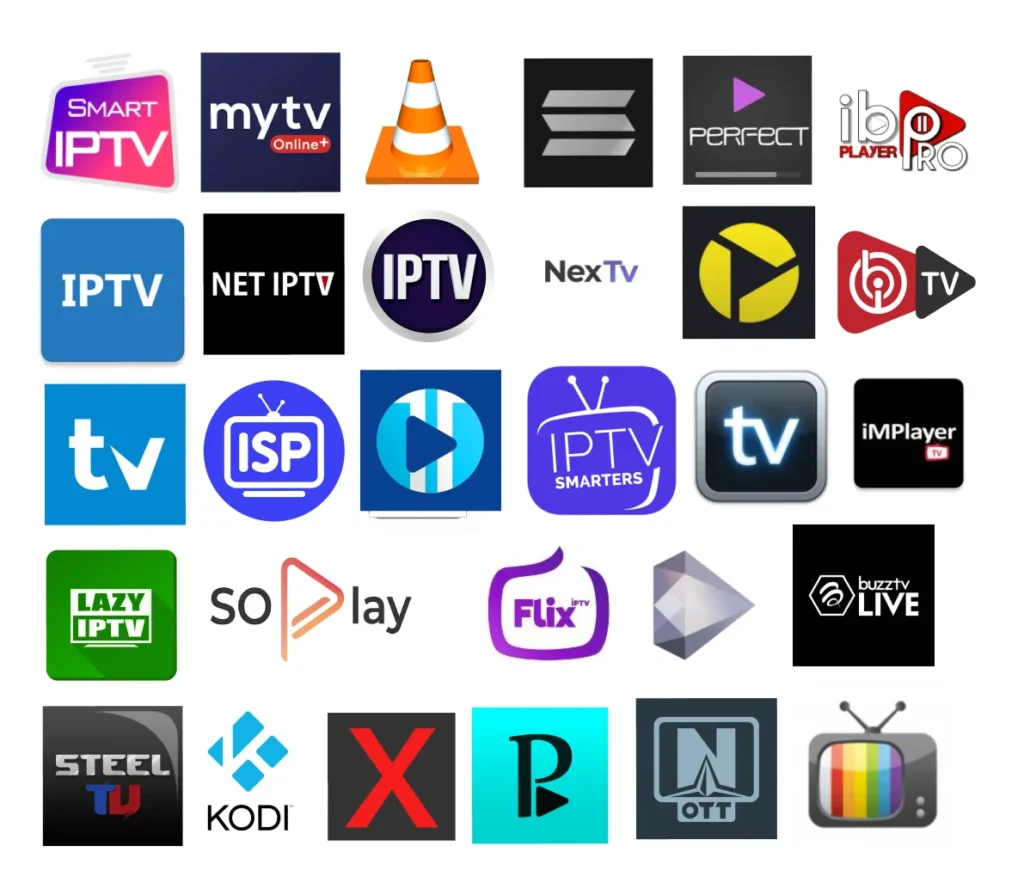
We support All devices And IPTV Players

Quick and Easy IPTV Setup Guide for Canada

Getting started with your IPTV Canada subscription is simple, whether you’re in Ontario, Calgary, or anywhere else in Canada. Our service supports all popular IPTV players and devices, including smart TVs, Android and iOS devices, streaming boxes, computers, and more. Follow these simple steps to start streaming your favorite live TV channels, movies, series, and documentaries instantly.

New to IPTV? Follow These Simple Instructions

If you’re not familiar with IPTV, don’t worry! Follow the step-by-step instructions below to set up your IPTV Canada subscription easily. After installing IBO Player Pro, you can contact us via email, and we’ll add your playlist automatically so you can start streaming live TV, movies, series, and VOD content across all devices without any hassle.

Windows/Mac

Firestick TV

Andoid

Apple/IOS

Smart TV

Mag Box

What makes Ibo Player pro different

Automatic Playlist Integration

Unlike many IPTV players that require manual setup, IBO Player Pro allows you to easily import playlists. After installing, you can simply contact support to have your playlist added automatically, saving time and reducing setup errors.
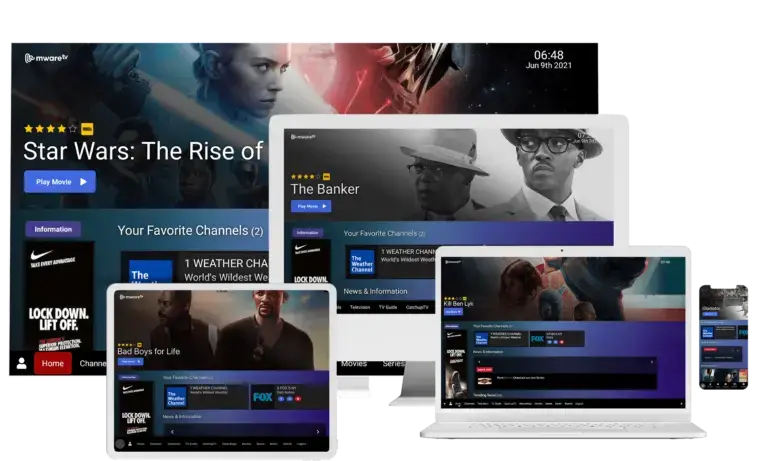
Multi-Device Compatibility

IBO Player Pro works seamlessly on Android, iOS, smart TVs, and streaming boxes. It supports simultaneous streaming on multiple devices, ensuring you and your family can enjoy content anywhere in Canada.

Smooth Streaming with Minimal Buffering

Built for reliability, IBO Player Pro leverages advanced buffering and streaming optimization. Combined with our private VPS servers, it delivers HD live TV, movies, series, and VOD content with minimal interruptions, outperforming standard IPTV players.